
Choose a Spot. Add a Log. Return.
- Choose the skin area you want to record and create a Spot for it.
- Add a dated Log with a photograph and optional notes about what you observed.
- When you next document that area, return to the same Spot and add another image-backed Log.
- Review the Logs in date order or export your recorded history when needed.
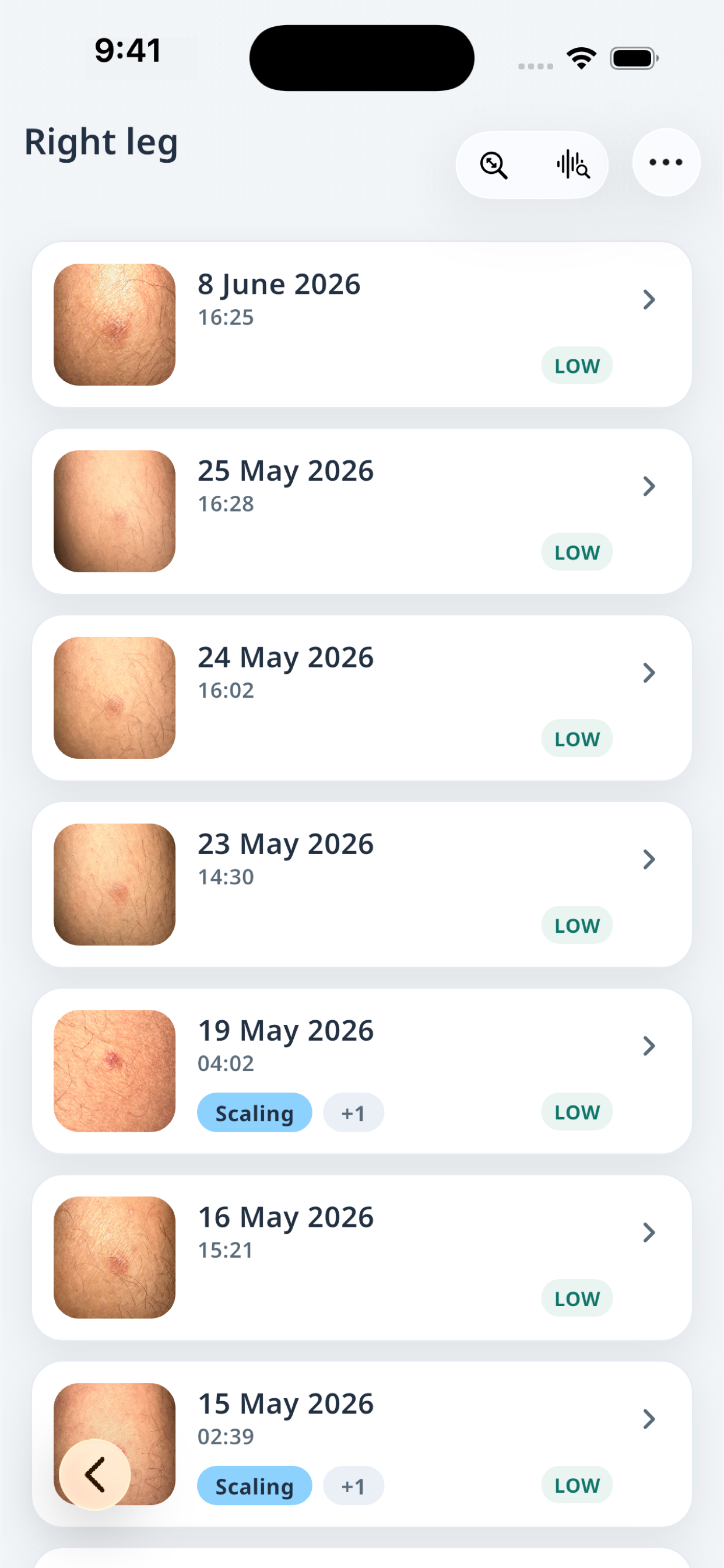
One Spot, dated Logs
The Spot Log keeps the history of one Spot in chronological order. Open a Log to revisit its saved image and notes.
Documentation, not diagnosis
Derma.Log organizes what you record. It does not diagnose eczema, assess severity, identify triggers or recommend treatment. A photo history does not replace medical care. For medical concerns, contact a qualified medical professional; for urgent symptoms, seek local urgent or emergency care.